Crop, adjust and check
Get each photo right inside its frame. Your original files are never changed: every edit is stored in the album and applied when the PDF is made.
Crop and zoom in place
- Double-click a photo to crop: drag to move it inside the frame, scroll to zoom.
- Fill frame crops the photo to fill the frame; Show whole shows all of it.
- Rotate left or right, or shape the frame to the photo's own proportions or to 1:1, 4:3, 3:2, 16:9 or 3:4.
- Phone photos taken sideways are turned the right way up automatically.

Adjust and compare
Brightness, contrast and saturation sliders, and black and white for radiographs. The same adjustment is applied in the PDF, before the colour conversion.
Copy a frame's style and paste it onto others with Ctrl+Alt+C and Ctrl+Alt+V.

Know what will print soft
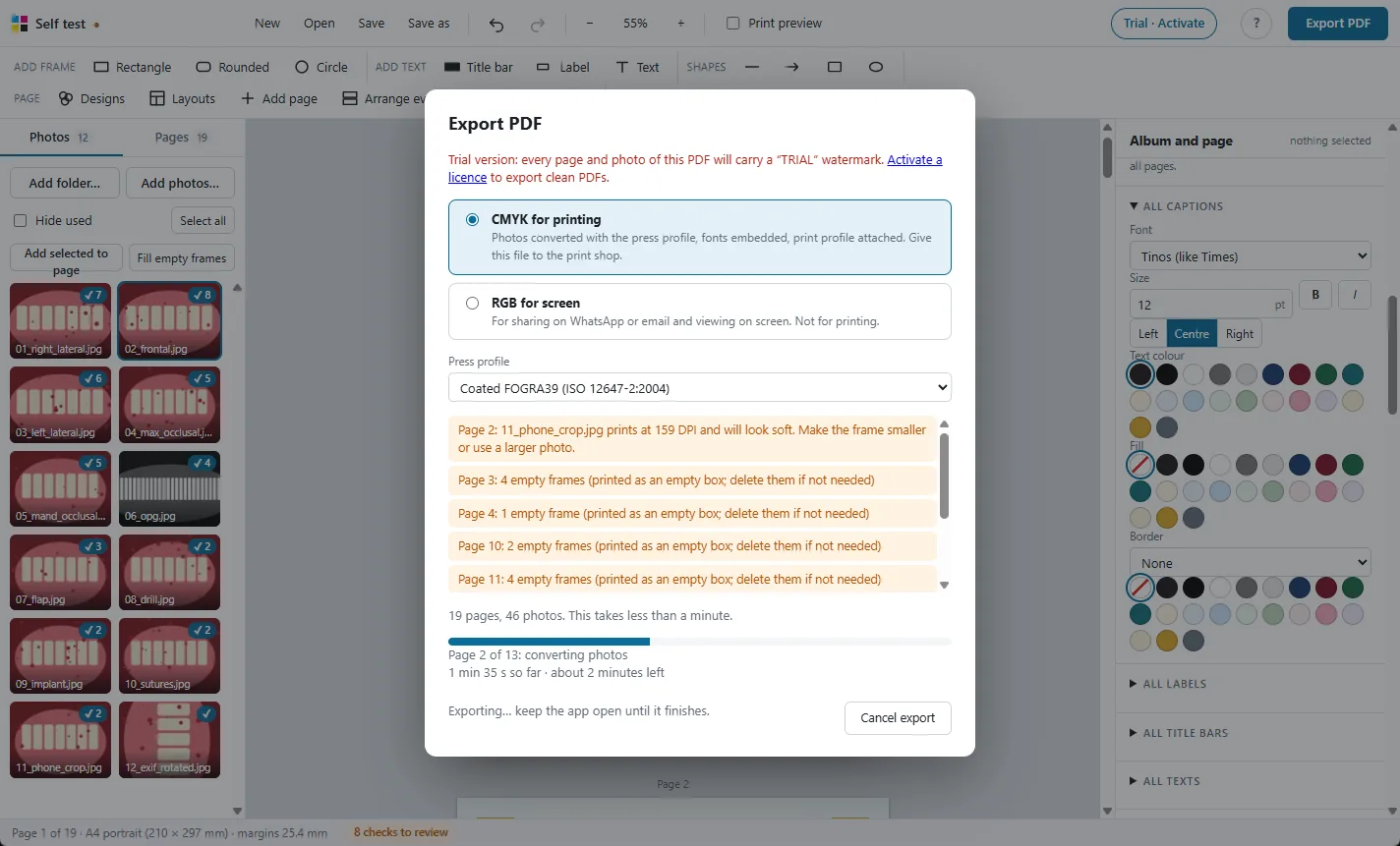
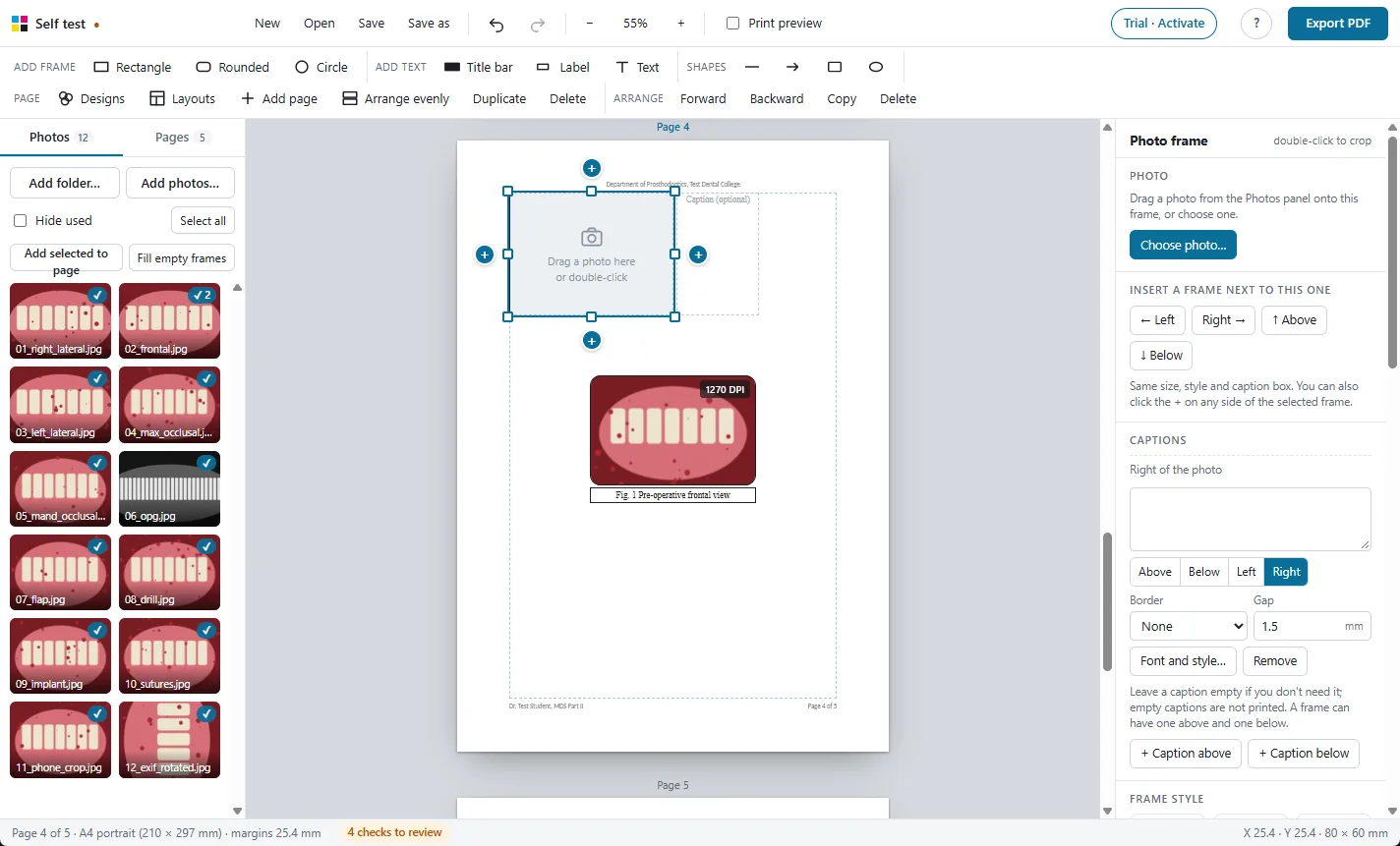
Every photo shows the DPI it will print at in its frame. A photo below 200 DPI is listed in Checks before you export, along with empty frames, overlapping frames, fonts missing from the computer and photos moved from their folder.
Moved a photo? Find it again from the side panel, and the album keeps every crop and caption.
More features
Print-ready CMYK PDF
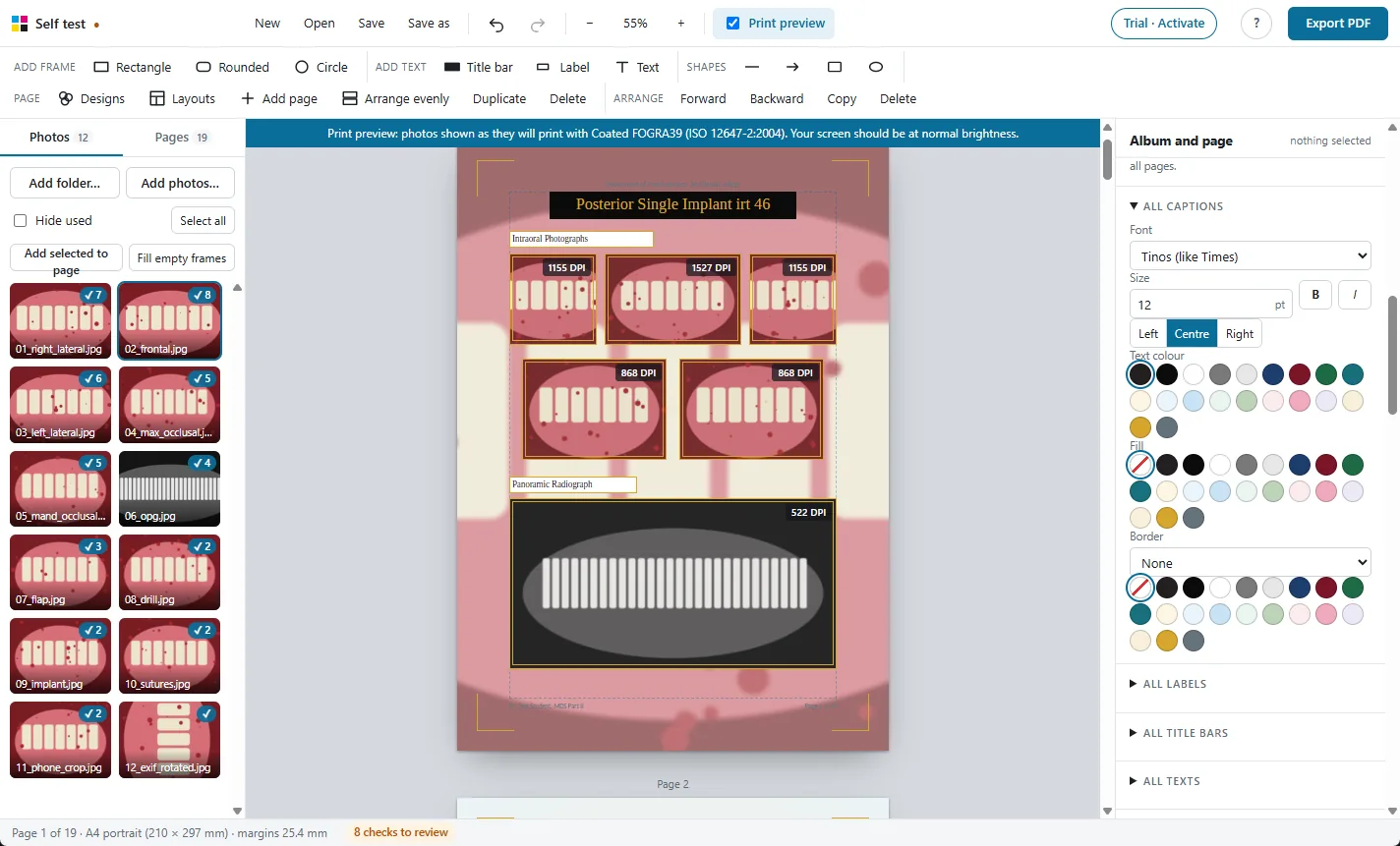
Photos converted with the press colour profile, so prints match the screen.

98 ready layouts
Pages for every MDS department, KUHS case pages, comparisons and new collage designs.
Frames and captions
Every photo gets a frame and a caption. Frames never overlap.
One-click designs
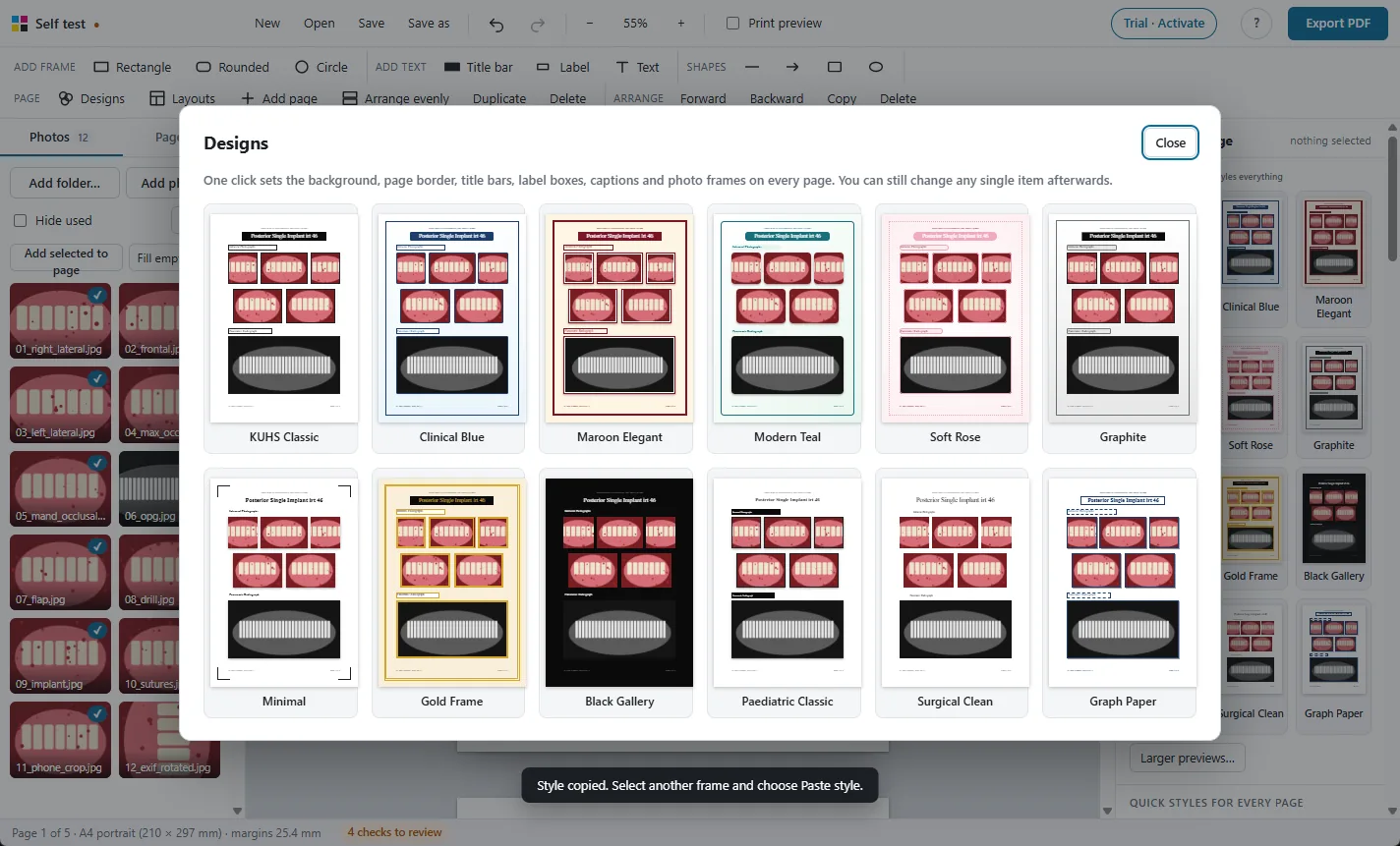
Restyle the whole album, change every caption's font at once.
Print preview
See on screen how the photos will look on paper before you print.
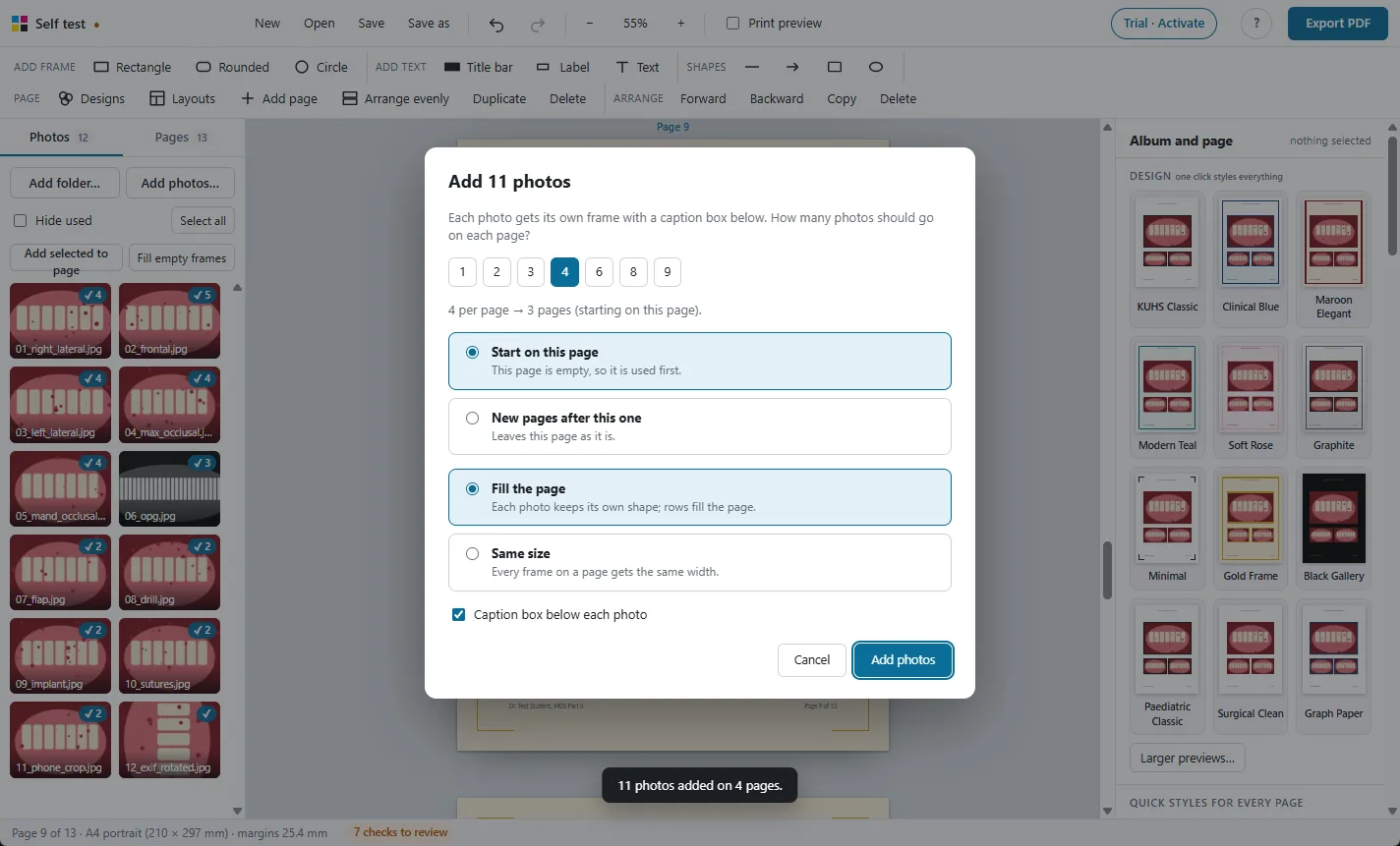
Large albums
Hundreds of photos and 250 pages, with autosave and project files.

Photos stay on your PC
A Windows app that works offline. Nothing is uploaded.
Try it free on your own photos
Every feature works in the 30-day free trial. Exported PDFs carry a TRIAL watermark until you activate a licence: ₹500 for one year.